The Agent Playbook
Professional Setup Guides
Step-by-step. Visual guides. Zero confusion.
Get your AI agent running in 30 minutes.
Built for efficiency
Visual Guides
Clear illustrations and diagrams walk you through each step.
Copy-Paste Ready
All commands and code snippets ready to copy. Zero typos.
Quick Setup
Not hours of documentation diving. Get your agent running fast.
Troubleshooting
Common errors solved before you encounter them.
Deployment
Get OpenClaw running on your infrastructure
Integrations
Connect OpenClaw to your favorite platforms
Operations
Secure, automate, and extend your setup
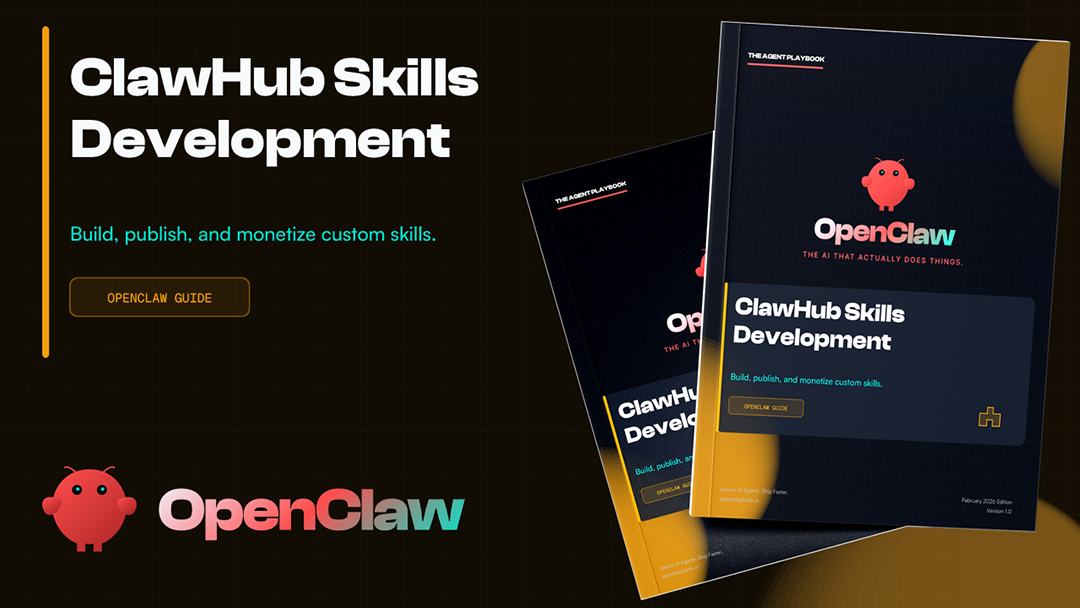
Get Everything in One Package
Save 40% with our complete bundle. All 9 guides, 250+ pages, lifetime updates.
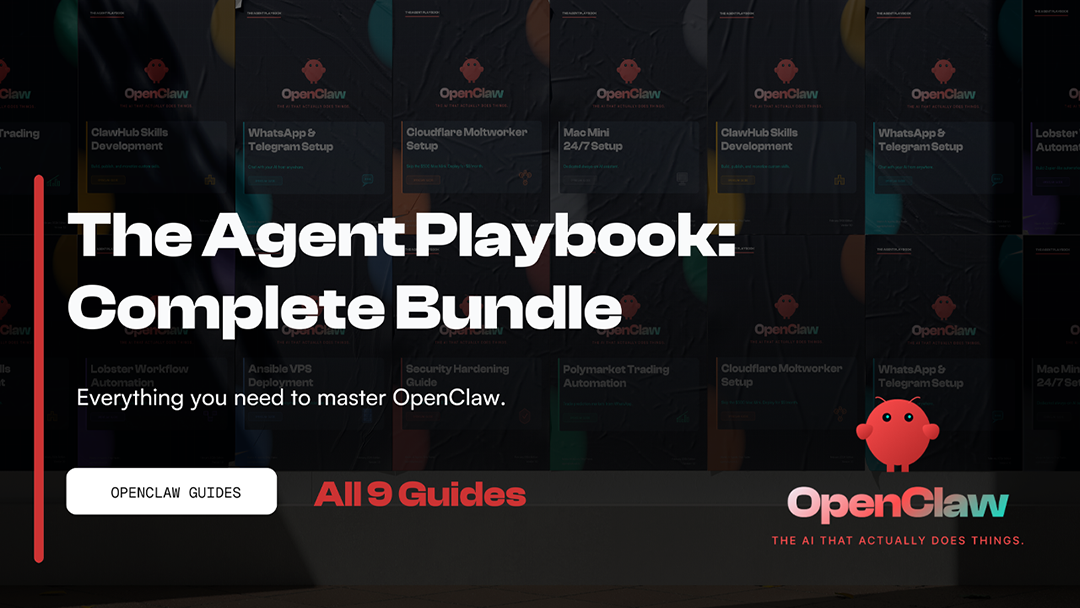
The Complete Playbook
Every OpenClaw guide in one bundle. Deployment, security, automation, integrations. Save 40% vs individual prices.
- All 9 Guides Included
- 250+ Pages Total
- Save $32 (40% off)
- Lifetime Updates
Secure checkout via Gumroad · Instant download · Lifetime access
By Jose Hurtado, AI Systems Engineer
Frequently Asked Questions
What is The Agent Playbook?
The Agent Playbook is a collection of professional setup guides for building and deploying AI agent systems. Each guide covers a specific platform or integration, with step-by-step instructions, visual architecture diagrams, copy-paste terminal commands, and troubleshooting sections. The guides are designed for developers and automation engineers who want production-ready configurations without starting from scratch.
What guides are included?
The playbook includes 9 comprehensive guides: Cloudflare Moltworker Setup, Polymarket Trading Automation, Security Hardening, Ansible VPS Deployment, Lobster Workflow Automation, ClawHub Skills Development, WhatsApp and Telegram Bot Setup, Multi-Channel Integration, and Mac Mini 24/7 Setup. Each guide is a standalone PDF with lifetime updates included at no additional cost.
How long does setup take with these guides?
Most setups take 20-60 minutes with the guides. Cloudflare Moltworker deployment typically takes 20-30 minutes for developers familiar with Node.js. Ansible VPS provisioning runs in under an hour once your playbooks are configured. The Mac Mini 24/7 setup takes 30-45 minutes for the core configuration. Each guide includes estimated time ranges per section so you know what to expect before you start.
Do I need programming experience?
Basic familiarity with the command line and general programming concepts is recommended. The guides assume you can run terminal commands and edit configuration files, but they do not require deep software engineering expertise. Each guide includes copy-paste commands so you can follow along without memorizing syntax. Most users with a year or more of development experience will be comfortable with the content.
What is OpenClaw?
OpenClaw is the AI agent framework these guides are built around. It provides a modular architecture for building, deploying, and managing AI agents across different infrastructure platforms. The Agent Playbook guides cover how to set up OpenClaw on specific platforms including Cloudflare Workers, Linux VPS servers, and Mac Mini hardware, as well as how to integrate it with external APIs and messaging platforms like WhatsApp and Telegram.
Which guide should I start with?
It depends on your infrastructure goal. For a serverless, globally distributed deployment, start with the Cloudflare Moltworker Setup guide. For a self-hosted VPS environment, the Ansible VPS Deployment guide sets up a reproducible server baseline. For running AI models locally without cloud costs, the Mac Mini 24/7 Setup guide is the right starting point. The Complete Bundle gives you access to all guides so you can start with whatever fits your current use case.
Are the guides suitable for beginners?
The guides are designed for developers who are new to AI agent infrastructure but are not complete beginners to programming. If you have experience writing code, using a terminal, and deploying web applications, you will be able to follow the guides. Each guide includes a prerequisites section so you can assess whether it matches your current skill level before purchasing. If you have never used a command line before, there is a steeper learning curve.
What is the difference between a single guide and the bundle?
Each individual guide is $9 and covers one specific platform or integration. The Complete Bundle includes all 9 guides plus 9 quick-reference cheat sheets for $49, saving 40% compared to buying guides individually. The bundle also includes priority support. If you know exactly which platform you need, the individual guide is the most focused option. If you are building out a broader AI agent infrastructure or exploring multiple deployment options, the bundle provides better long-term value.